Is this quote maker free?
Yes. No sign-up, no watermark and no limit on how many images you make.
Free · runs in your browser
Make a quote image in a minute: type the words, choose from over 400 designs, and save a full-size PNG or JPG. The same design can become a video when you want movement.
To make a quote image, type the quote and its author above, pick a design, then press Export and choose Image (PNG) or Image (JPG). You get the finished frame at full size, such as 1080×1080 for a square post or 1080×1920 for a story, with no watermark.
Because every design here is also animated, the image is simply the last frame of the video: the moment when the whole quote is on screen. That means you can post the picture today and the animated version tomorrow without redesigning anything. If you are hunting for the words themselves, the quote generator picks public-domain quotes with their sources.
Type or paste it into Your quote and fill in Author. Put a word between *asterisks* to highlight it.
Press Browse templates and choose from the gallery, or keep the design this page starts with.
Under the preview, pick Size: 1:1 for a square post, 4:5 or 3:4 for a tall feed post, 9:16 for stories, 2:3 for Pinterest.
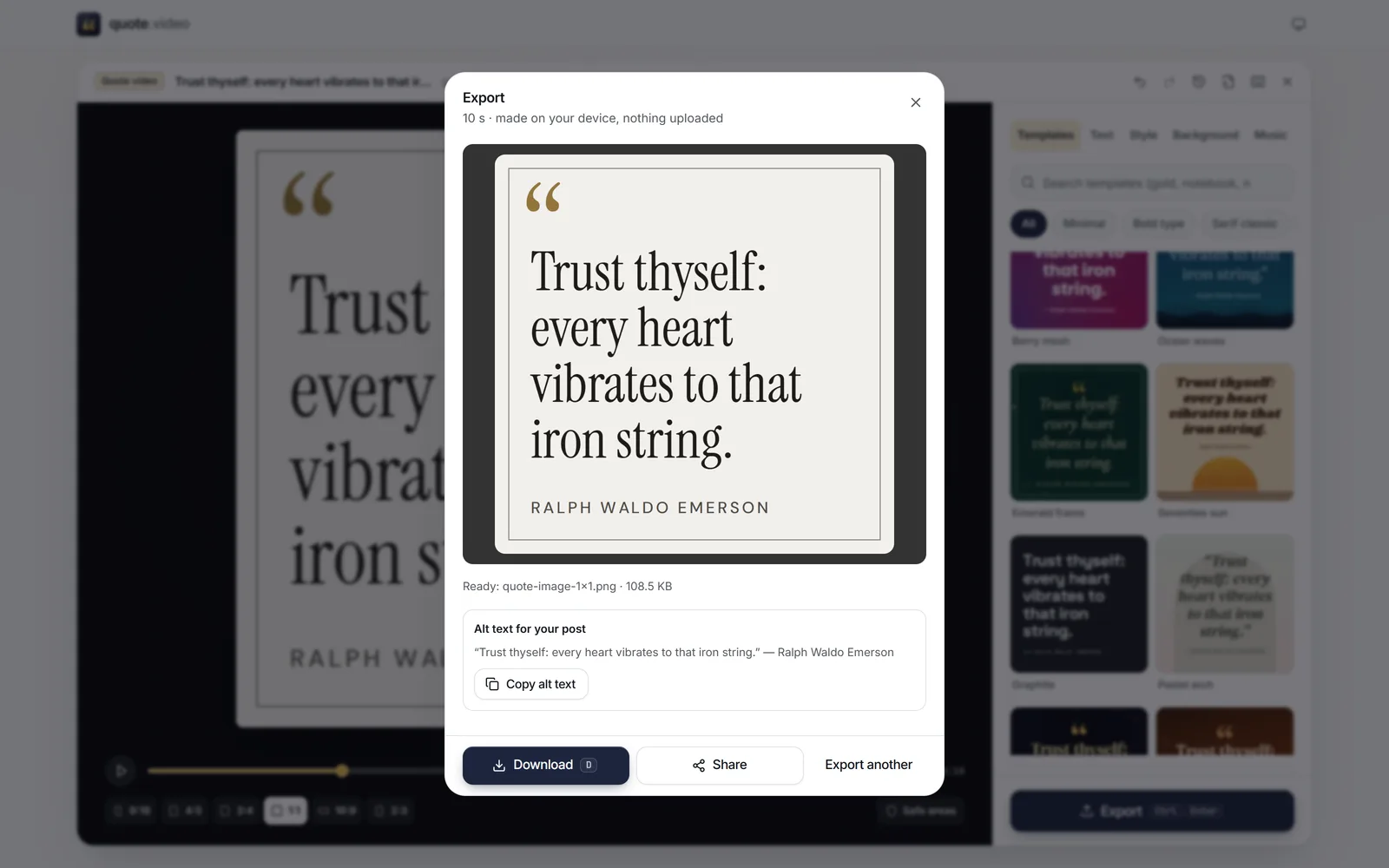
Press Export, choose Image (PNG) for the sharpest text or Image (JPG) for a smaller file, then Download.
 (enlarge image)
A finished Image (PNG), with Copy alt text for your post.
PNG keeps every edge of the lettering sharp and suits flat colour, which is most quote designs. JPG files are smaller and suit photo backgrounds and film-grain looks. Social networks recompress both, so either is fine; PNG gives them the cleanest start.
To get several sizes in one go, tick them all in Export; they arrive together in a ZIP.
Quote images travel without their context, so credit the author on the image and check the attribution: many famous lines are misattributed. Every quote in the built-in library is public domain and lists its source.
After exporting, Copy alt text copies the quote and author as plain text, ready to paste into the alt-text field of your post so people using screen readers get the words too.
Yes. No sign-up, no watermark and no limit on how many images you make.
Full size for the chosen shape, with 1080 px on the shorter side: 1080×1080, 1080×1350, 1080×1440, 1080×1920, 1920×1080 or 1080×1620.
Yes. In Background, choose Photo or video, pick the photo, and use Darken (or Auto) and Blur so the words stand out.
Yes. Wrap it in asterisks, like *this*, and pick a Highlight style such as Marker, Underline, Colour or Box.
Yes. It runs in current Safari, Chrome, Edge and Firefox on phones and tablets. After exporting, Share sends the image straight to Photos or an app.
No. The image is drawn by your browser and saved on your device. quote.video never receives your words.