Which Bible translation is built in?
The World English Bible, which is public domain.
Free · runs in your browser
Calm, light-filled templates for scripture, with public-domain verses built in and room for your own translation and music. No AI voice, no watermark.
To make a Bible verse video, type or paste the verse and its reference (for example, Psalm 46:1) above, choose a template from the Faith category and export. Soft light, sunbursts, arches and slow fades suit scripture, and the text is sized automatically, so a long passage still fits the screen.
The Quote library includes verses from the World English Bible, a public-domain translation, so they can be shared freely. If you prefer another translation, paste it in; many are copyrighted, so check its publisher’s guidelines for quoting in videos.
Paste the verse into Your quote and the reference into Author, or open Quote library and choose the faith theme.
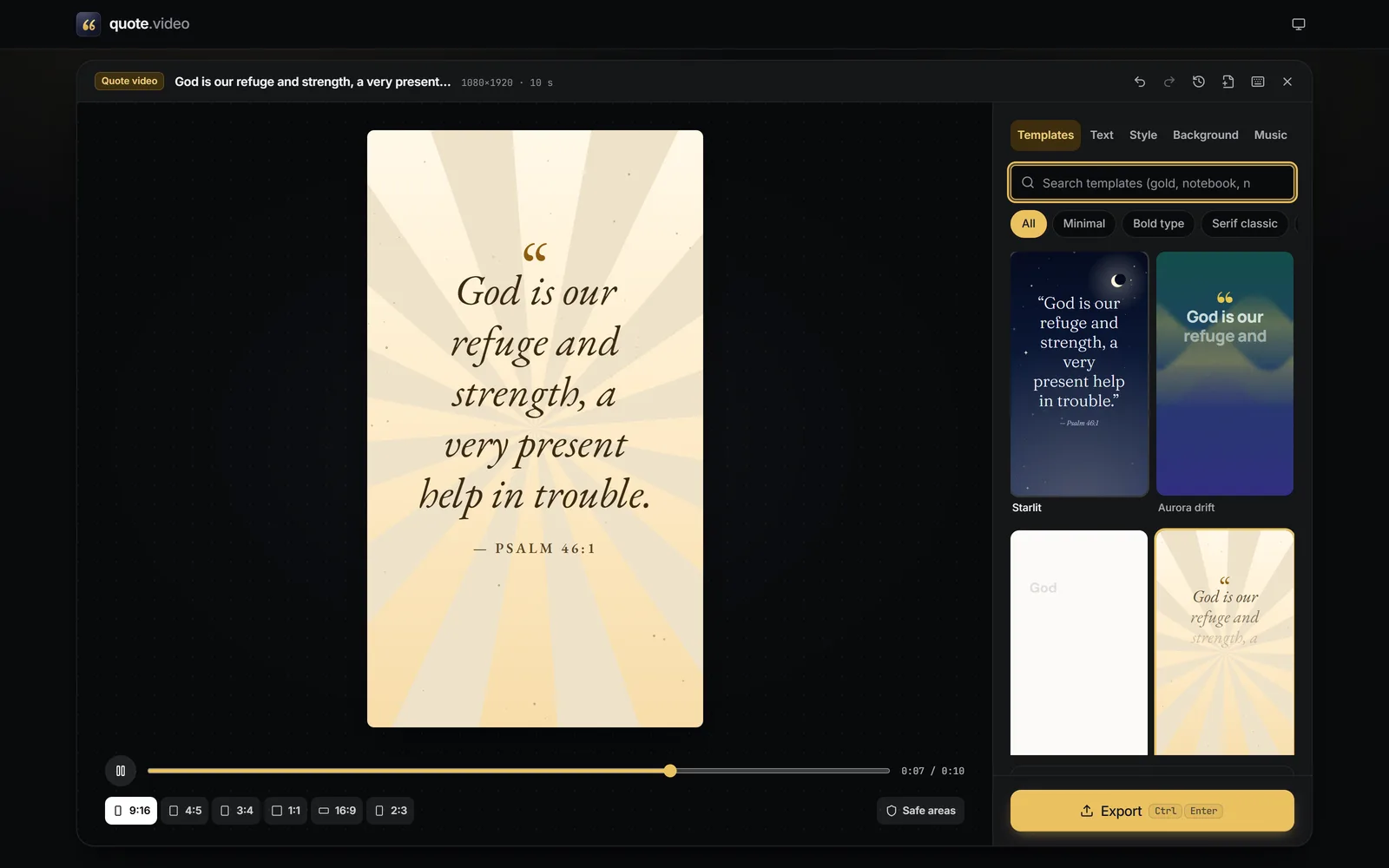
Press Browse templates and tap Faith, Night sky or Nature.
 (enlarge image)
The Golden verse template from the Faith category.
Use Add music for a hymn or worship track you have rights to, or pick the Calm pad under Generated music.
Press Export: 9:16 for social media, 16:9 for a screen at church.
The World English Bible (WEB) is in the public domain, which is why the built-in verses use it. The King James Version is public domain in most countries but not in the United Kingdom, where it remains under Crown copyright, so it isn’t included. Modern translations such as the NIV and ESV are copyrighted; their publishers allow limited quotation, usually with the translation named, so add it after the reference (for example, “Psalm 23:1 (ESV)”).
For a daily verse, keep one template, change the verse and reference, and export. Recent designs keeps each one in this browser, and Duplicate copies a design so you can make a series without touching the original.
Choose 16:9 under Size for projection, set Length to 30 seconds, and export at High quality. A still Image (PNG) works as a slide.
The World English Bible, which is public domain.
Yes. Paste any text into Your quote. Check the translation’s publisher’s permissions for videos.
No. The video is the verse in type, with your own music or a generated mood if you want sound.
Yes. Tick 9:16 and 16:9 in Export to get both, laid out for each shape, in one ZIP.
Yes, completely, with no watermark.